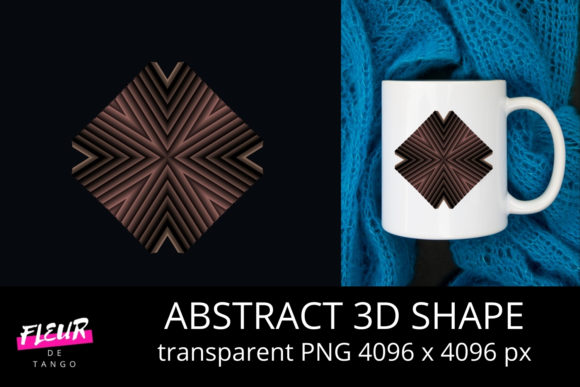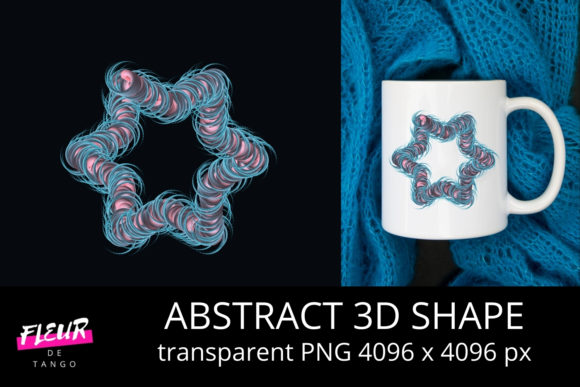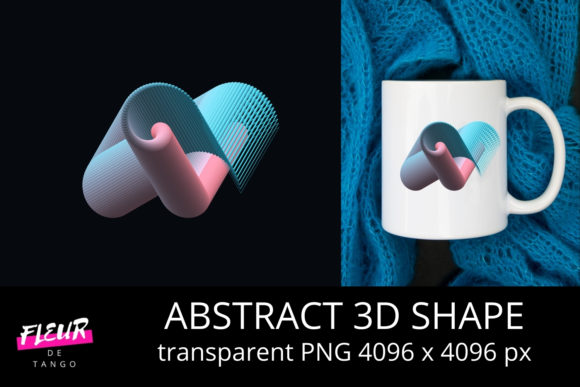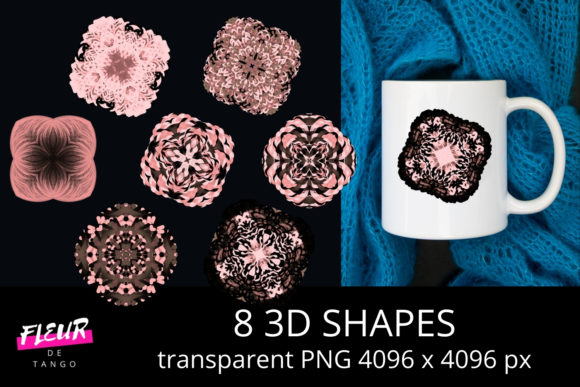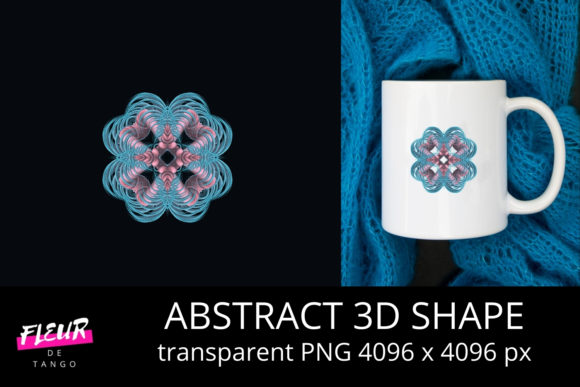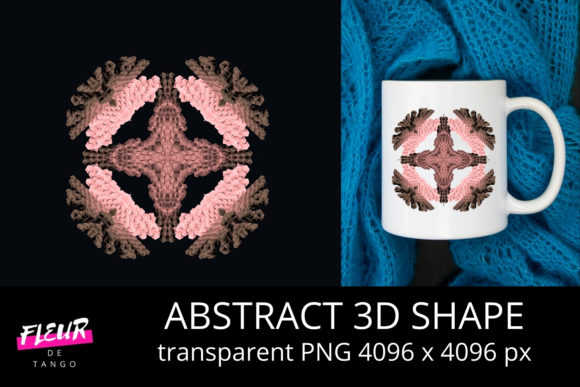
Abstract 3D Shape Clipart Vol. 48: A Practical Resource for Visual Designers and Communicators
Abstract 3D Shape Clipart Vol. 48 is a curated digital asset pack focused exclusively on geometric, non-representational three-dimensional forms—spheres, tori, polyhedra, extruded curves, and algorithmically generated volumes—all rendered with consistent lighting, material treatment, and clean vector or high-resolution raster output. Unlike generic icon sets or photorealistic 3D models, this volume prioritizes abstraction: no textures mimicking wood or metal, no contextual scenes, and no branding cues. What remains is a precise, scalable toolkit designed for visual layering, conceptual illustration, and structural emphasis in professional communication.
What Sets This Volume Apart from Other 3D Clipart Collections
Most clipart libraries either lean heavily into realism (e.g., glossy product mockups) or oversimplify into flat 2D icons. Abstract 3D Shape Clipart Vol. 48 occupies a deliberate middle ground: it delivers dimensional presence without visual noise. Each shape is modeled with uniform ambient occlusion, soft directional lighting, and neutral grayscale or muted chromatic palettes—making them easy to recolor, overlay, or integrate into diverse design systems. The collection includes 127 distinct assets, grouped into six families: Curved Volumes, Angular Polyhedra, Topological Forms, Parametric Twists, Layered Constructs, and Fragmented Assemblies. This taxonomy reflects intentional organization—not just aesthetic grouping—but functional categorization based on how each family behaves in layout, hierarchy, and spatial reasoning.
Real-World Usability Across Common Workflows
In practice, these shapes perform well where clarity and scalability matter more than photorealism. A marketing manager building a SaaS dashboard might use a softly lit dodecahedron from the Angular Polyhedra set as a focal point behind a KPI counter—its geometry suggests complexity and structure without competing with data labels. An educator preparing a physics lecture on electromagnetic fields could layer a Parametric Twist shape over vector field lines to imply dynamic rotation, avoiding the rendering lag or file bloat of full 3D software exports. Similarly, a freelance UX designer prototyping a new app interface may drop a translucent torus behind a modal window to subtly reinforce depth perception—something difficult to achieve convincingly with CSS shadows alone.
The files ship in multiple formats: SVG (with editable paths and grouped layers), PNG (transparent background, 4K resolution), and EPS (for legacy print workflows). No proprietary plugins or render engines are required. That means immediate compatibility with Figma, Adobe Illustrator, Canva Pro, Affinity Designer, and even PowerPoint’s built-in vector editing tools. Importantly, all SVGs retain stroke/fill separation—so changing a shape’s outline weight or applying a gradient to only its surface is possible without destructive flattening.
Consistency and Quality Control Observations
Over several weeks of testing across projects—including an annual report redesign, a workshop slide deck, and a brand identity system refresh—the consistency of Abstract 3D Shape Clipart Vol. 48 stood out. All assets share the same base gamma, shadow diffusion radius, and specular highlight intensity. There are no outliers: no unexpectedly glossy spheres or matte-only pyramids that break visual rhythm. Color variants (available in five predefined palettes: Slate, Clay, Moss, Quartz, and Graphite) maintain identical luminance relationships—ensuring accessibility compliance when used for contrast-sensitive applications.
That said, the abstraction has limits. These are not parametric models—you can’t adjust vertex count or twist angle post-import. They’re static representations optimized for reuse, not iteration. If your workflow depends on real-time manipulation (e.g., animating morphing between shapes in After Effects), you’ll still need a 3D application like Blender or Cinema 4D. But for static or lightly animated contexts—infographics, presentation decks, email headers, social media banners—this volume eliminates the need to model from scratch or hunt across stock sites for usable, license-safe geometry.
Who Benefits Most—and When It Might Fall Short
Professionals who regularly translate abstract concepts into visual form gain the most immediate value. Think: technical writers illustrating system architecture, financial analysts mapping risk exposure across dimensions, or learning experience designers building modular course frameworks. Small business owners updating their website hero sections also find utility—especially those without in-house design support. A single Layered Construct shape, resized and tinted to match brand colors, can add dimensionality to a flat hero banner faster than commissioning custom illustrations.
Freelancers working under tight deadlines appreciate the time savings. One user reported cutting 3–4 hours per client project by replacing hand-drawn perspective sketches with calibrated assets from Abstract 3D Shape Clipart Vol. 48. Educators building open educational resources (OER) benefit from the CC0-compatible licensing—no attribution required, no usage caps, and no platform restrictions.
However, this volume isn’t ideal for every scenario. If your audience expects tactile realism—say, packaging mockups for a luxury skincare line—these shapes will feel too detached from materiality. Likewise, designers relying on strict grid-based minimalism may find the subtle shadows and volumetric nuance visually “heavy” compared to pure flat design. And while the color palettes are thoughtfully balanced, they don’t include neon, metallic, or fluorescent options—intentionally omitting trends that age quickly or compromise legibility.
Integration Tips and Practical Recommendations
To maximize utility, start by auditing your existing templates. Identify recurring layout patterns where depth or spatial metaphor adds meaning—such as comparison matrices, process flows, or layered value propositions. Then map those needs to relevant families in Abstract 3D Shape Clipart Vol. 48. For example, use Fragmented Assemblies to visualize modular components; apply Curved Volumes to suggest continuity or flow.
When recoloring SVGs, preserve the original light/dark relationships. Instead of applying a solid fill to the entire shape, isolate surface, side, and base layers (all pre-grouped in the SVG source) and assign relative luminance values—e.g., 90%, 75%, and 50% brightness—to retain perceived dimensionality. In Figma, this takes under a minute using the “Edit Selection” tool and the color picker’s HSL sliders.
For motion work, export PNG sequences at 2x resolution and animate opacity or scale—not rotation or skew—to avoid pixelation. The consistent lighting ensures smooth transitions across frames, even without true 3D interpolation.
Long-Term Value and Strategic Fit
Abstract 3D Shape Clipart Vol. 48 functions less like disposable stock and more like typographic infrastructure: it supports clarity, reinforces structure, and scales across mediums without degradation. Its longevity comes from restraint—not chasing novelty, but solving persistent visual problems: how to imply depth without distraction, suggest complexity without clutter, and unify disparate elements through shared spatial logic. Teams adopting design systems will find it complements atomic design principles, especially when defining “surface” or “container” tokens.
It won’t replace custom 3D modeling for immersive experiences or high-fidelity product visualization. But for the vast majority of communicative design tasks—where speed, coherence, and conceptual fidelity matter more than photorealism—it provides a reliable, ethically licensed, technically sound foundation. Used deliberately, it helps professionals spend less time building scaffolding and more time shaping ideas.