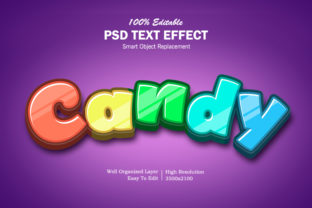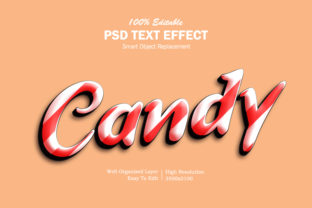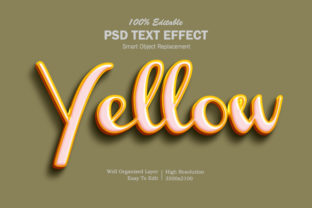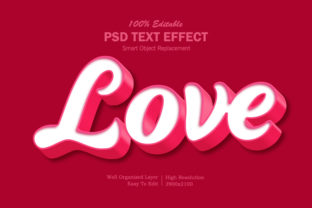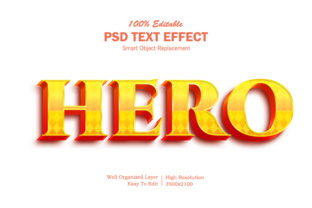
Hero 3D Text Effect
A Hero 3D Text Effect transforms plain typography into a bold, dimensional focal point—ideal for landing pages, video thumbnails, social banners, or presentation headers. It’s not just about visual flair; it’s about guiding attention, reinforcing brand tone, and communicating confidence before a single word is read. When done well, it feels intentional—not gimmicky—and supports your message instead of competing with it.
Assuming “3D” Means One-Size-Fits-All
Many assume any “3D text generator” delivers consistent quality across devices, browsers, or platforms. In reality, effects vary widely: some rely on CSS transform and box-shadow, others use WebGL or SVG filters, and a few depend entirely on raster images (like PNGs). A Hero 3D Text Effect built with pure CSS may render beautifully in Chrome but flatten or jitter in Safari—or fail entirely on older mobile browsers.
Before choosing a tool or template, test it on at least two real devices (not just browser dev tools) and check how it behaves when resized, scrolled, or viewed on slower connections. If the effect disappears or distorts at 768px width, it’s not truly responsive—even if the demo looks perfect on desktop.
Overlooking Readability for the Sake of Depth
Depth shouldn’t come at the cost of legibility. Some creators layer heavy shadows, exaggerated bevels, or intense gradients—then place the text over busy backgrounds or low-contrast imagery. The result? A striking effect that no one can actually read.
Try this instead: Set your text color first against the background (aim for at least a 4.5:1 contrast ratio), then apply subtle depth—like a soft 2–3px offset shadow with 10–15% opacity—rather than stacking five shadow layers. A Hero 3D Text Effect should enhance clarity, not obscure it. For example, a fintech startup using bold sans-serif text with a clean inner glow and minimal extrusion communicates trust and precision far better than a heavily embossed script font that blurs at small sizes.
Ignoring File Size and Performance Impact
Animated or high-fidelity Hero 3D Text Effects—especially those rendered via JavaScript libraries or embedded 3D engines—can easily add 300–800KB to your page load. That delay isn’t just frustrating; it directly affects bounce rate, SEO ranking, and conversion. Google’s Core Web Vitals penalize layouts that shift or stall due to oversized assets.
Ask yourself: Does this effect need to animate on scroll? Or would a static, well-optimized SVG version deliver the same impact with under 20KB? Tools like SVGOMG can compress vector-based 3D text without visible quality loss. If you’re using a WordPress plugin or Figma plugin labeled “Hero 3D Text Effect,” check its documentation for lazy-loading support, fallback options, and whether it defers non-critical JavaScript.
Misjudging Context and Audience Expectation
A playful, cartoonish 3D text style works wonderfully for a gaming blog or kids’ app—but feels out of place on a law firm’s homepage or medical device landing page. The Hero 3D Text Effect should reflect your audience’s expectations, not your design preferences alone.
Consider tone alignment: A university course page might use restrained extrusion and matte metallic textures to suggest academic rigor, while an indie music festival could embrace dynamic lighting and perspective tilt for energy. Skipping this step leads to mismatched messaging—where the effect distracts from credibility rather than strengthening it.
Skipping Accessibility Considerations
3D effects often rely on visual cues alone: depth, light direction, surface texture. But users relying on screen readers, high-contrast modes, or reduced motion settings won’t perceive those layers—and may encounter confusing or empty heading elements if the effect replaces semantic HTML with decorative or Solution: Always wrap your hero text in a proper or , and avoid replacing real text with background images or canvas-rendered glyphs. Use prefers-reduced-motion media queries to scale back animation intensity, and ensure focus states remain visible if interactive elements (like hover-triggered depth shifts) are involved. Free online generators promise “instant 3D text”—but often lock you into preset fonts, fixed colors, or rigid depth angles. You might download a beautiful effect only to discover you can’t adjust the light source direction, change the material finish (e.g., from glossy to brushed metal), or export it as editable vector. Before committing time or budget, verify what’s adjustable: Can you tweak the Z-depth independently from X/Y offset? Does the tool output scalable formats (SVG, PDF) or only flattened PNGs? Does it allow fine-grained control over ambient vs. directional lighting? Professionals working across branding systems need flexibility—not just polish. Some designers build stunning Hero 3D Text Effects in Figma or After Effects, then hand off static exports—only to find developers can’t replicate the lighting behavior in CSS, or marketing teams can’t update the text copy without re-exporting everything. Better approach: Use tools that generate production-ready code (like CSS snippets with customizable variables) or integrate with your existing stack (e.g., React components with props for text, depth, and color). If you’re using a no-code builder like Webflow or Elementor, confirm the Hero 3D Text Effect plugin supports dynamic content fields—not just hardcoded text. A thoughtful Hero 3D Text Effect doesn’t shout—it anchors. It invites attention without demanding it, adds dimension without sacrificing speed, and reflects purpose—not just pixels. Whether you’re launching a portfolio, refining a Shopify banner, or designing a webinar slide, start with clarity, test with honesty, and choose depth that serves meaning—not just motion.Underestimating Customization Limits
Forgetting the Real-World Workflow
What to Check Before You Commit
🔗 You Might Also Like