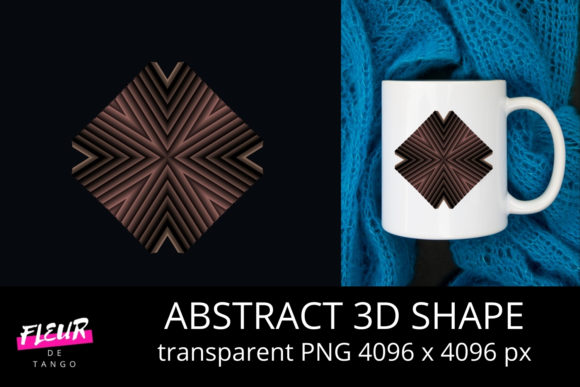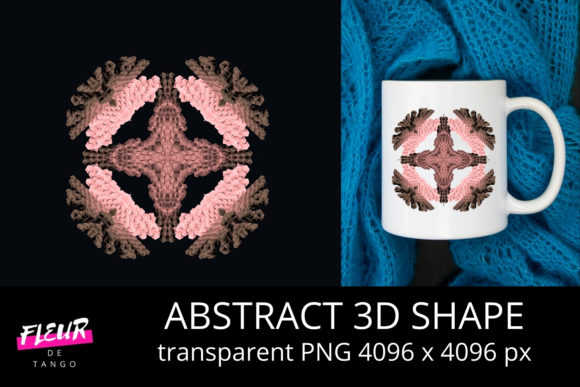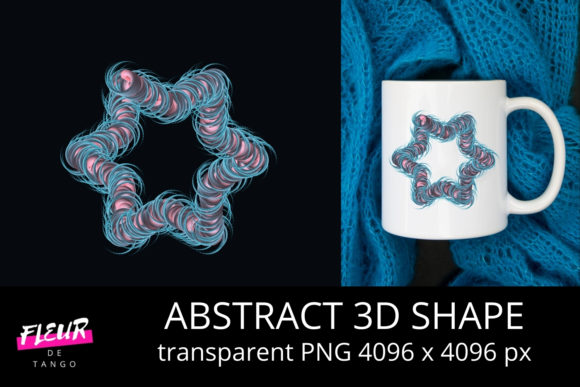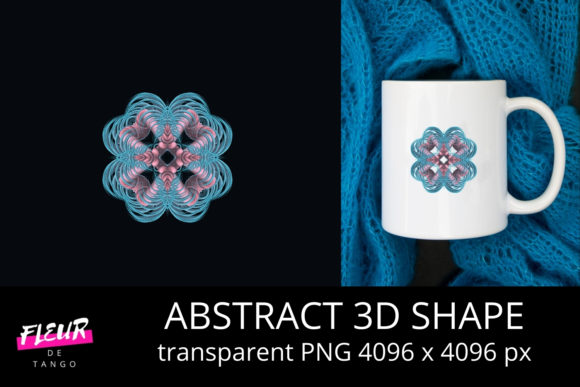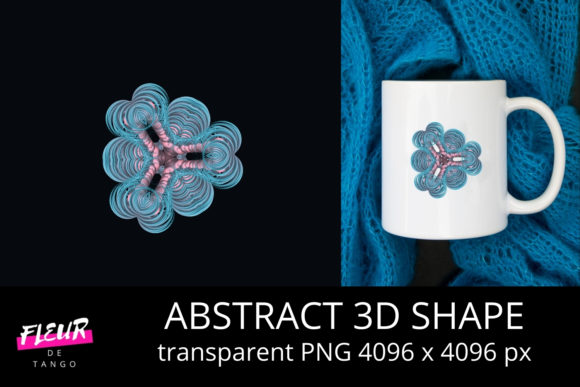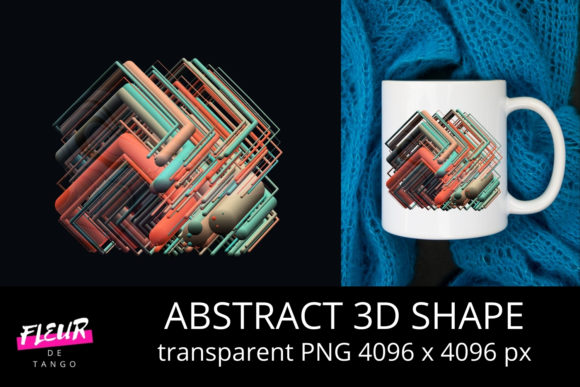
Abstract 3D Shape V.16: A Refined Approach to Generative Geometric Design
Abstract 3D Shape V.16 is a parametric design resource—neither software nor plugin, but a curated collection of algorithmically generated, topology-agnostic 3D geometry files optimized for creative and technical workflows. Unlike static mesh libraries or real-time procedural tools, it delivers high-fidelity, resolution-independent shape definitions encoded in standard formats (OBJ, GLB, and USDZ), each built from a consistent mathematical foundation. What sets Abstract 3D Shape V.16 apart is its emphasis on structural coherence: every shape maintains clean edge flow, uniform curvature distribution, and intentional ambiguity—designed to evoke form without prescribing function.
How It Differs From Other Generative Geometry Resources
Many designers encounter generative 3D assets through three common channels: open-source procedural libraries (like those built in Sverchok or Geometry Nodes), commercial texture-and-model marketplaces (where abstract shapes often appear as low-poly props or background elements), and AI-driven 3D generation tools (which prioritize speed and novelty over geometric integrity). Abstract 3D Shape V.16 occupies a distinct middle ground. It doesn’t require coding to use, yet it’s not “plug-and-play” in the sense of being stylistically prescriptive. Instead, it offers deterministic outputs—each shape is reproducible, inspectable, and editable at the vertex level—while retaining the expressive flexibility of abstraction.
For example, a designer sourcing a subtle organic base for a product mockup might compare Abstract 3D Shape V.16’s “Helix Bloom” variant against a similar-looking shape from a marketplace pack. The marketplace version may have inconsistent normals, non-manifold edges, or baked-in lighting artifacts—issues that become apparent during rendering or UV unwrapping. In contrast, the V.16 variant ships with validated topology, clearly documented symmetry axes, and parameter labels (e.g., twist: 0.72, bulge: 0.44) that allow predictable adjustments in downstream tools like Blender or Rhino.
Strengths That Support Real-World Workflows
Abstract 3D Shape V.16 excels where precision meets adaptability. Its core strengths include:
- Consistent scale and orientation: All shapes are normalized to unit bounding boxes and aligned to world axes—eliminating manual repositioning across projects.
- Multi-resolution readiness: Base meshes are structured to support subdivision without distortion, making them suitable for both real-time applications (WebGL, AR) and high-end rendering (Cinema 4D, Maya).
- Metadata transparency: Each file includes embedded JSON notes describing generation parameters, intended use context (e.g., “best suited for volumetric lighting studies”), and known compatibility constraints (e.g., “not recommended for Boolean operations below 2K resolution”).
- No runtime dependencies: Unlike procedural assets that rely on specific node graphs or scripts, Abstract 3D Shape V.16 works immediately in any application that reads standard mesh formats.
These traits make it especially valuable in collaborative environments—such as architectural visualization studios evaluating massing options or motion design teams building reusable asset libraries—where consistency across users, software versions, and render pipelines matters more than raw novelty.
Tradeoffs and Practical Limitations
No generative geometry system balances all priorities equally—and Abstract 3D Shape V.16 is no exception. Its deterministic nature means it does not support live parameter tweaking inside host applications. If you need to animate a shape’s torsion in real time or link its scale to a slider in After Effects, you’ll need to pre-bake variations or pair it with lightweight scripting. Similarly, while the library includes over 140 unique base forms, it does not offer infinite variation out of the box. Users seeking highly customized derivatives will still need to modify meshes manually or use external tools.
Another consideration is stylistic scope. Abstract 3D Shape V.16 avoids literal references—there are no biomimetic leaf shapes or engineered gear profiles. Its language is strictly geometric: toroidal folds, nested lattices, warped planar tessellations. That focus supports versatility but may feel limiting if your project demands culturally resonant or context-specific symbolism. For instance, a branding team developing an identity system around “growth” might find V.16’s “Radial Gradient Shell” visually compelling but too neutral to convey urgency or directionality without additional layering (typography, color, motion).
When Abstract 3D Shape V.16 Fits—and When It Doesn’t
Abstract 3D Shape V.16 tends to be the right choice when your priority is reproducible quality over rapid iteration. Consider it if:
- You’re building a long-term asset library and need shapes that behave predictably across software updates and team members.
- Your workflow involves frequent export to multiple platforms (e.g., Figma for concept review, Unity for prototyping, Keyshot for client renders) and you want to minimize format-related surprises.
- You value documentation as much as geometry—knowing why a shape bends a certain way matters for design rationale or stakeholder explanation.
- You’re integrating 3D into 2D-heavy processes (infographics, editorial design) and need clean silhouettes and uncluttered surface continuity.
Conversely, Abstract 3D Shape V.16 may be less suitable if:
- You’re working under tight deadlines and need dozens of variations within minutes—here, AI-assisted tools or parametric plugins with interactive UIs may accelerate early exploration.
- Your project hinges on photorealistic surface detail (e.g., weathered metal, fibrous textile), and you expect the base geometry to carry material storytelling alone. V.16 provides form, not finish.
- You require physics-aware geometry (e.g., collision meshes, soft-body simulation inputs) without post-processing—the library’s focus remains aesthetic and structural coherence, not computational performance.
Comparing Use Cases Across Disciplines
In practice, the value of Abstract 3D Shape V.16 shifts meaningfully depending on discipline and scale. A data visualization designer might use its “Modular Gradient Ring” as a dynamic container for layered metrics—rotating and scaling it to reflect changing variables while preserving visual rhythm. Here, the shape’s balanced asymmetry and smooth gradient-ready topology reduce cognitive load compared to irregular, hand-modeled alternatives.
A product development team evaluating ergonomic form factors could import several V.16 variants into a VR review environment to assess spatial presence and hand interaction affordances. Because each shape shares consistent proportions and curvature logic, comparisons remain grounded—not distorted by arbitrary stylistic differences.
By contrast, a generative artist building a real-time audio-reactive installation would likely supplement Abstract 3D Shape V.16 with custom shaders or particle systems rather than rely on it exclusively. The geometry serves as a stable anchor point—not the sole driver of responsiveness.
Making a Grounded Decision
Choosing Abstract 3D Shape V.16 isn’t about selecting the “most advanced” option—it’s about matching geometry philosophy to project requirements. Ask yourself: Do I need shapes that hold up under scrutiny, scale reliably, and integrate cleanly—or do I need shapes that evolve quickly, respond instantly, or carry strong associative meaning? There’s no universal answer. But if your work benefits from clarity, repeatability, and quiet intentionality in form-making, Abstract 3D Shape V.16 offers a rare combination of rigor and openness. It doesn’t replace skill or judgment—it supports them, quietly and consistently, one well-structured polygon at a time.